Overview
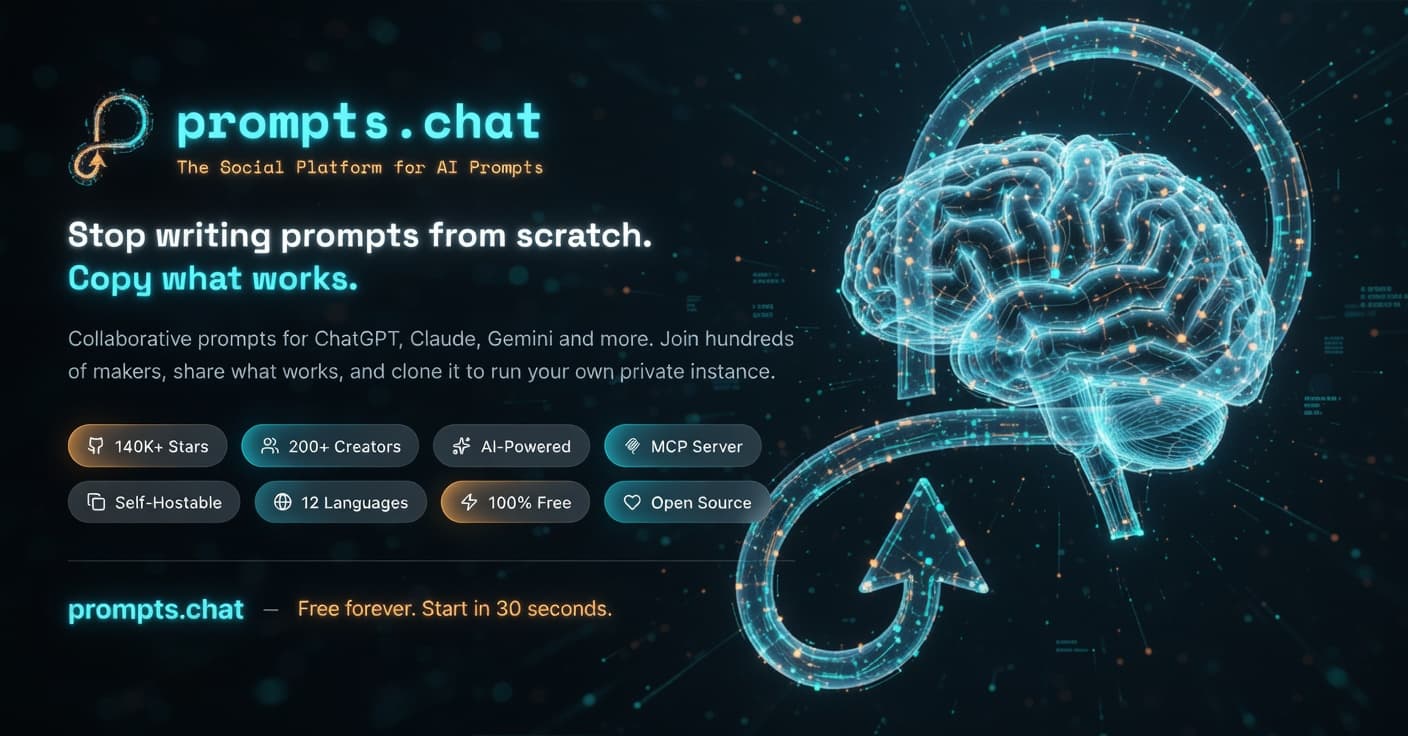
GitHub user f recently updated their repository, previously called Awesome ChatGPT Prompts, to f/prompts.chat. This open-source project lets developers share, discover, and collect AI prompts for models like ChatGPT, Claude, and Llama. According to GitHub Trending, it's free to use and supports self-hosting for full privacy, with over 154,000 stars as of late 2023.
Why It Matters for Developers
As someone who builds AI automation tools with Node.js and Python, I see f/prompts.chat as a practical resource for speeding up prompt engineering. It centralizes community contributions, which means developers can quickly test prompts that work across various AI models without starting from scratch. This cuts down on trial-and-error time in projects, like when integrating AI into web apps.
The pros are clear: it's entirely open source, so you avoid vendor lock-in, and self-hosting ensures data privacy, which is crucial for enterprise work. For instance, you can run it locally or on your server using Docker, as outlined in their docs, without relying on external APIs. On the downside, prompt quality varies since it's community-driven, so you'll need to verify them against your use case, potentially adding extra validation steps. Overall, it's a solid addition to any AI workflow, but it demands some curation to be truly effective.
Technical Details and Setup
Under the hood, f/prompts.chat uses a modern stack including Next.js for the frontend, as seen in files like next.config.ts and components.json, which makes it straightforward to deploy. It's structured with a Prisma ORM for database interactions and includes scripts for easy setup, like Docker configurations in DOCKER.md.
To get started, clone the repo and run npm install followed by npm run dev if you're using Node.js. For self-hosting, follow their SELF-HOSTING.md guide: build a Docker image with docker build -t prompts-chat ., then run it with docker run -p 3000:3000 prompts-chat. This setup handles routing and API calls efficiently, but watch for dependencies like Prisma, which might require a database like PostgreSQL. Trade-offs include fast development with Next.js, yet it could bloat simple projects if you're not optimizing builds—something to consider if you're on a shared host.
My take: if you're in web development with React or Next.js, this repo's architecture is a good template for community features, though you'll want to adapt it for production scalability.
Pros, Cons, and Practical Use
While the previous section covered some pros, let's break down the broader implications. Key advantages include its Hugging Face integration for dataset sharing and the ability to contribute via simple PRs, as detailed in CONTRIBUTING.md. This fosters collaboration in AI, especially for automation scripts in Python or Rails.
However, cons emerge in maintenance: the repo has over 5,000 commits, which can make tracking changes overwhelming, and not all prompts are optimized for every model, leading to inconsistent results. In practice, for AI web apps, I recommend pairing it with tools like langchain to chain prompts effectively. This combination enhances automation but adds complexity, as you'd need to handle prompt parsing in your code.
On balance, it's a reliable tool for developers like me in Rome, working on custom AI solutions. The direct access to verified prompts saves hours, but always test integrations thoroughly to avoid runtime errors.
To wrap up, this project reinforces open-source AI development without the hype—just solid, usable code.
FAQs
What is prompts.chat?
It's an open-source repository on GitHub for sharing AI prompts, originally for ChatGPT but now compatible with multiple models. You can browse and contribute prompts directly via the site or repo.
How can I contribute to it?
Fork the f/prompts.chat repo, add your prompts in the appropriate files like PROMPTS.md, and submit a pull request. Make sure to follow their guidelines in CONTRIBUTING.md for smooth integration.
Is it secure for production use?
Yes, with self-hosting, you control the environment, but audit the code for vulnerabilities, especially in user-submitted content. Use features like Docker for isolation to minimize risks.
📖 Related articles
- GitHub: Build ChatGPT-like LLM in PyTorch from Scratch
- Meta and Google seal multi-billion AI chip deal
- Generative AI and Physics: Revolutionizing Real-World Object Design
Need a consultation?
I help companies and startups build software, automate workflows, and integrate AI. Let's talk.
Get in touch