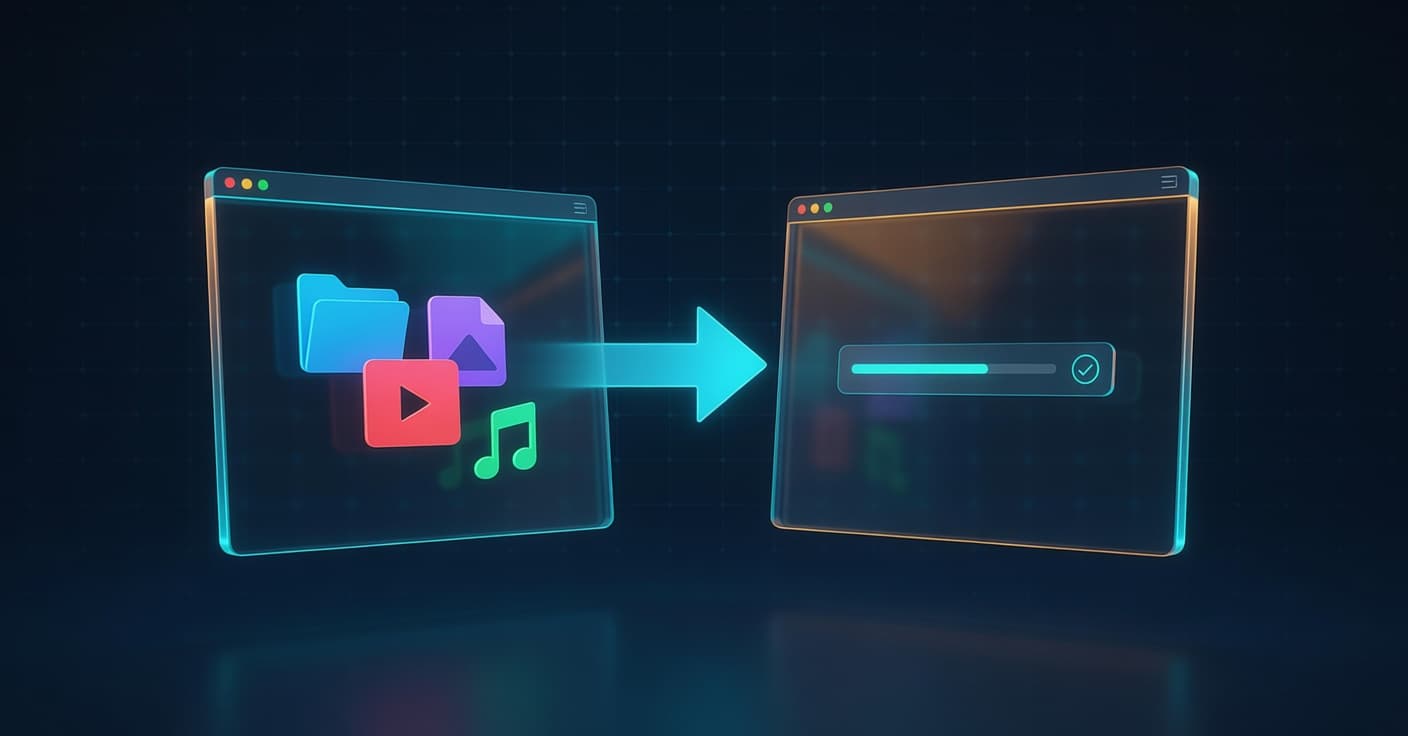
AirDows Overview
AirDows is a browser-based tool for transferring files directly between two devices, such as a phone and a computer, without accounts or intermediate storage. It was presented on Hacker News with a site at airdows.com. The service pairs devices through a QR code or temporary code, then moves the selected files over a direct link while both browsers remain open. The approach avoids re-encoding or quality loss during transit.
How the Connection Works
AirDows relies on WebRTC data channels to establish a peer-to-peer path once the QR scan completes the signaling step. The initial connection uses a short-lived code to exchange ICE candidates, after which the browsers attempt direct UDP flows. When direct paths fail due to strict NAT, the setup falls back to TURN relays, though the project does not disclose which servers handle that case. File chunks move through the RTCDataChannel API with no server-side buffering, so both endpoints must stay active until the transfer finishes. Developers familiar with the WebRTC stack will recognize the standard flow: getUserMedia is not involved, only RTCPeerConnection and data channels.
Practical Constraints
Browser memory limits and connection stability determine the maximum file size in practice, even though no hard cap is published. Transfers across different networks succeed only when the ICE negotiation finds a viable route; otherwise the session stalls. Both devices must keep their browser tabs in the foreground on some mobile platforms because background throttling can drop the data channel. No persistent link is created, so the file exists only on the destination device once the transfer ends. This design removes the need for cloud storage but requires simultaneous presence of both parties.
Trade-offs Compared With Existing Options
Tools such as webtorrent/webtorrent or simple HTTP upload services introduce either torrent overhead or temporary server storage. AirDows avoids both by staying within the WebRTC model, yet it inherits the same browser sandbox restrictions on file system access and connection lifetime. For internal tooling, a developer could replicate the core pattern with a minimal signaling server and the native RTCPeerConnection API, but production reliability still demands TURN infrastructure and careful handling of reconnection logic. The absence of compression or re-encoding is the clearest advantage for media files.
FAQs
Does AirDows require any native app installation?
No. Both endpoints run entirely in the browser after opening the site.
What happens if the network blocks WebRTC traffic?
The transfer cannot complete; the tool does not fall back to upload-and-download methods.
Can the same session be reused for multiple files?
Each pairing supports one transfer session; a new QR scan is needed for subsequent transfers.
📖 Related articles
- Agentic Coding: Why It Might Be a Trap
- Do agents.md Files Help Coding Agents?
- Lean-ctx: Hybrid Optimizer Cuts LLM Token Use by 89-99%
Need a consultation?
I help companies and startups build software, automate workflows, and integrate AI. Let's talk.
Get in touch